The reviewer sees onboarding collect relationship intent, sign-in, language preferences, and precise birth data.
How 1 in a Billion Works
This walkthrough uses real in-app screens to show the product as a reviewer experiences it: onboarding, personal readings, the no-swipe matching engine, compatibility setup, generation, and the final PDF, narration, and song artifacts.
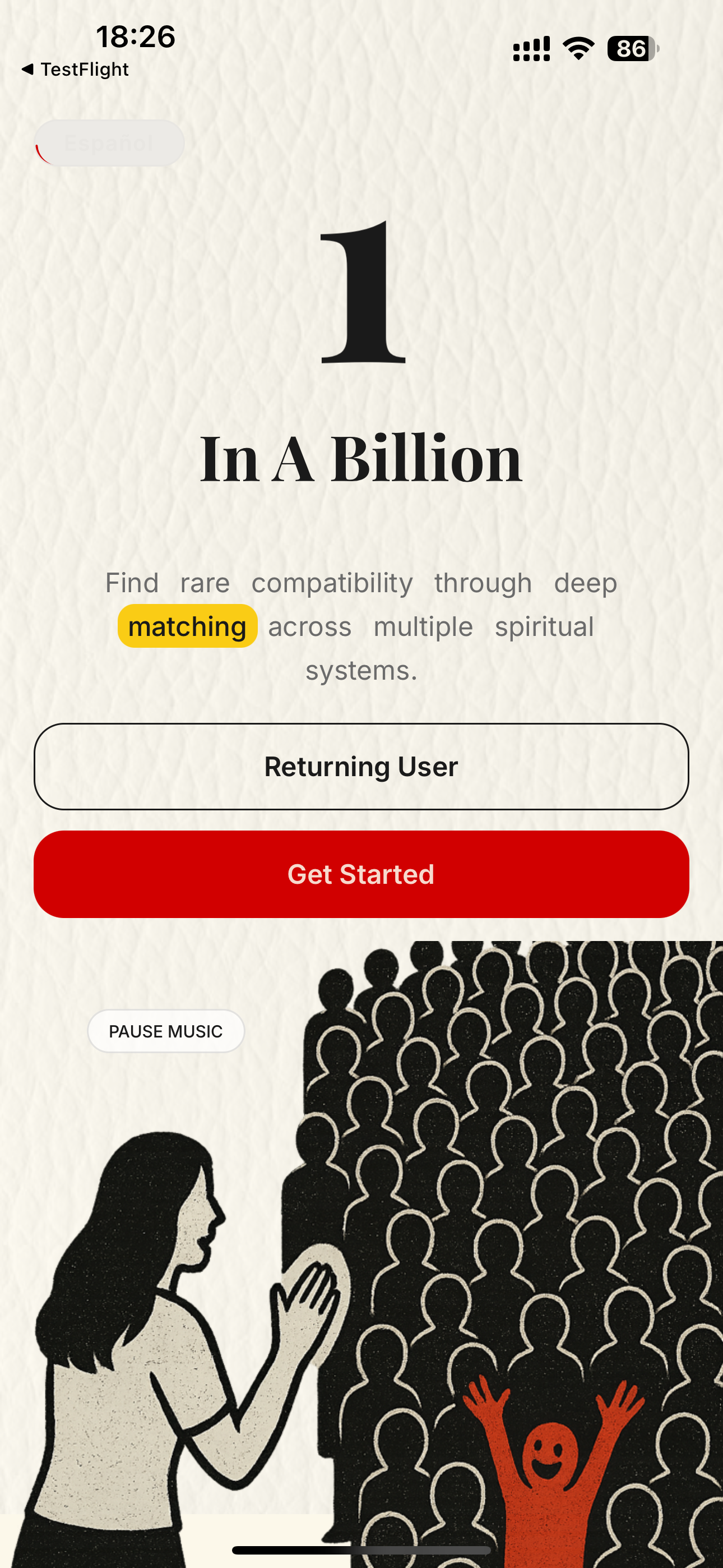
The app begins with Sun, Moon, and Rising readings, then uses birth-data computation instead of swiping behavior to find rare compatibility.
A confirmed deep reading queues in the background and returns written, narrated, musical, and PDF results as they finish.
The Soul Laboratory links the personal dashboard, people list, and reading library so each step is easy to revisit.
Reviewer note
Deep readings are asynchronous. The user can leave the screen while the app continues generating text, audio, song, and PDF assets in the background, then returns to the finished reading from the library screens shown below.
1
Onboarding and profile setup
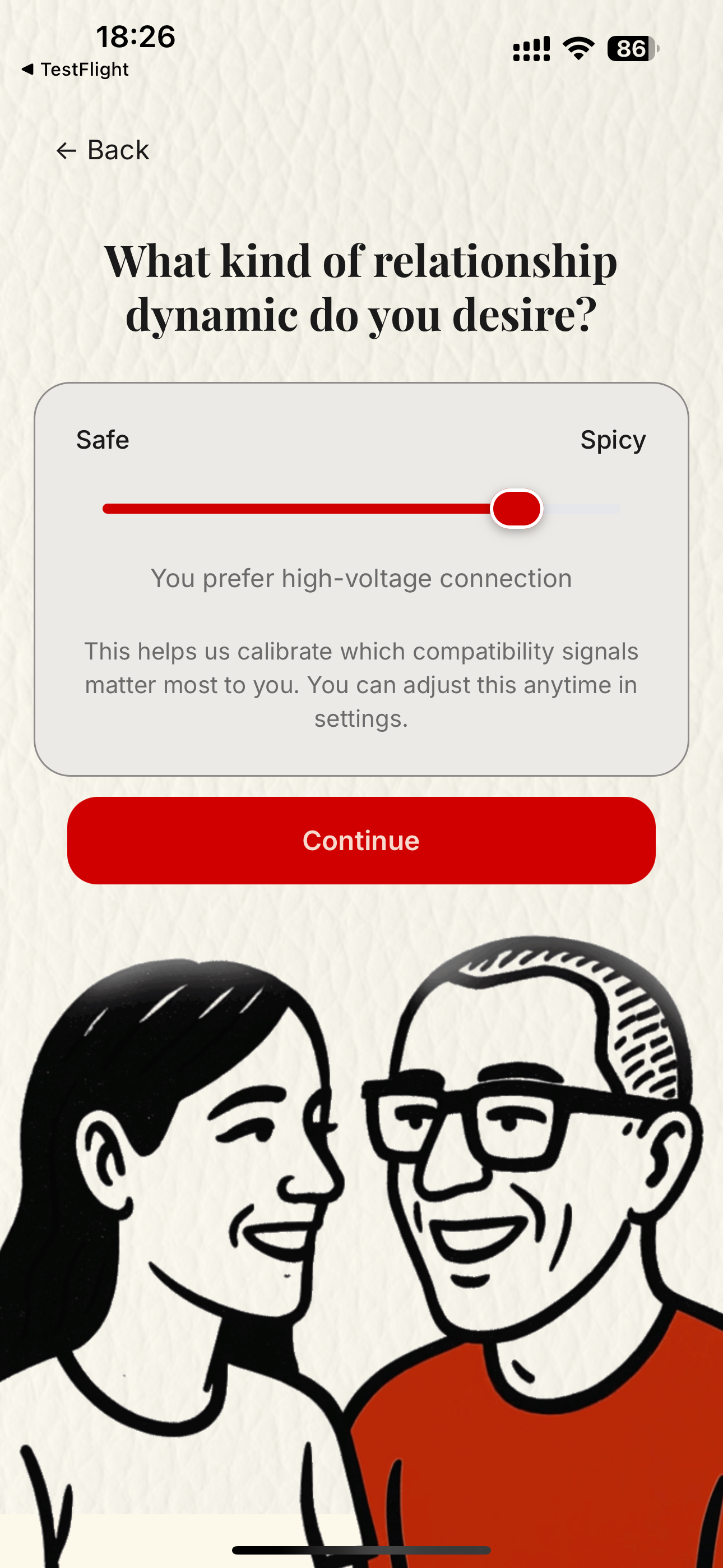
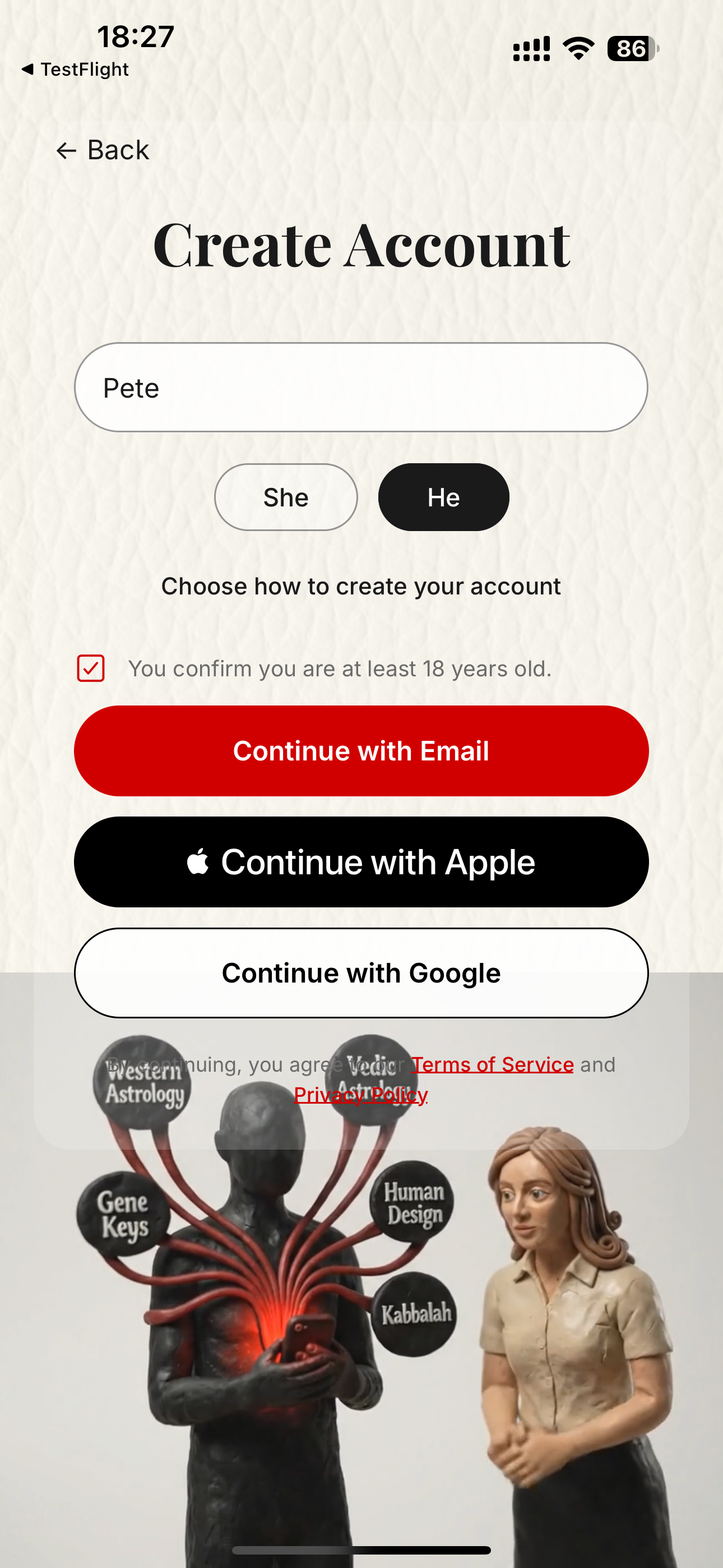
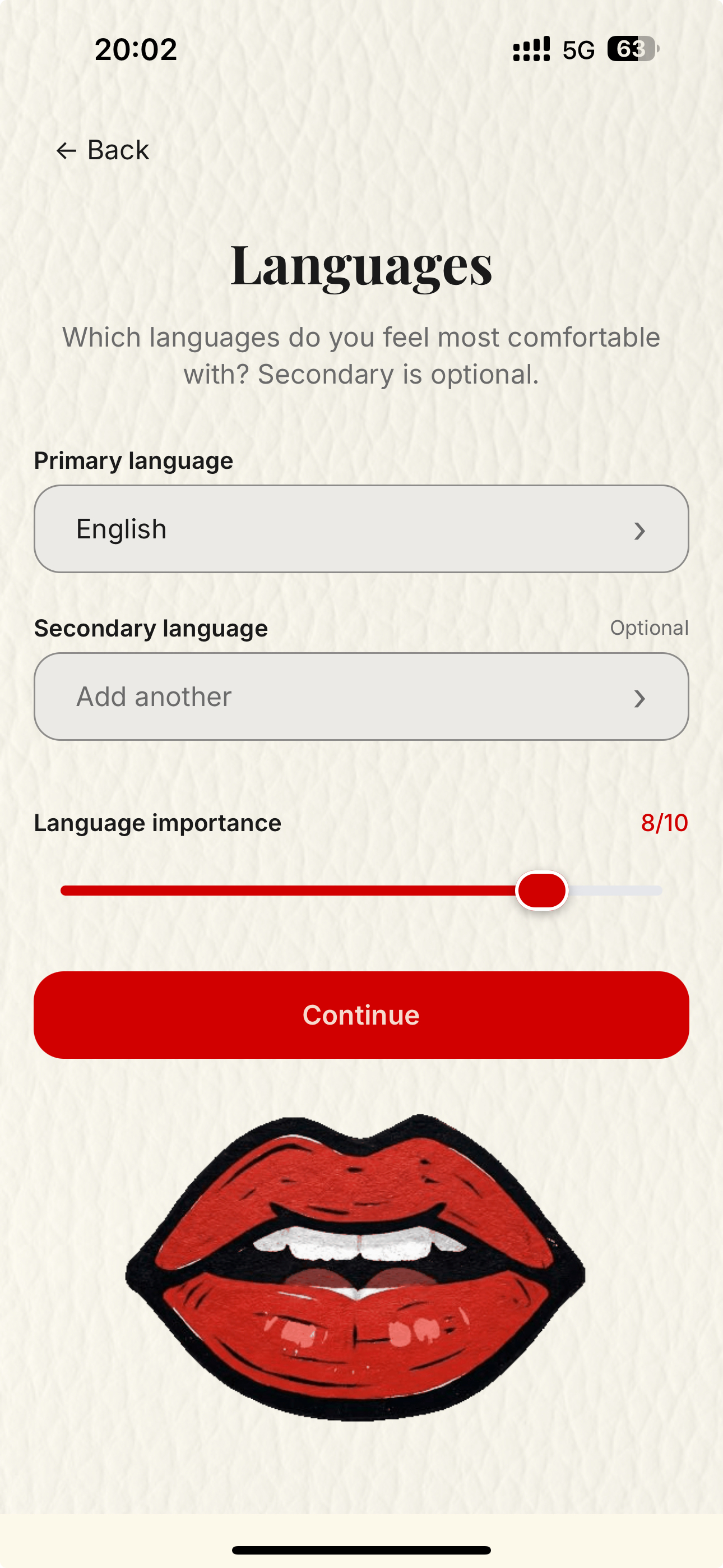
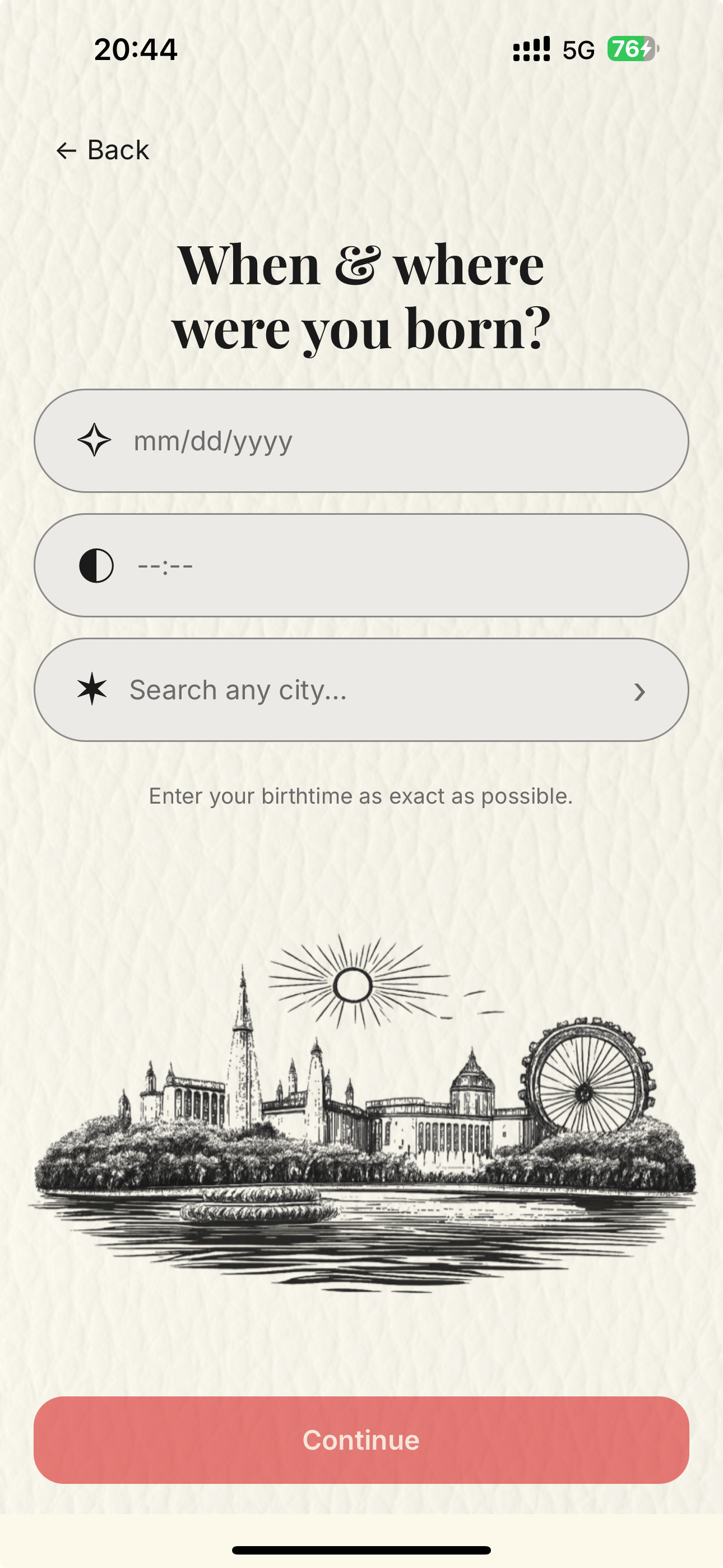
The first flow is focused and linear. The user defines what kind of relationship they are looking for, creates an account, picks language preferences, and enters birth data so the systems can calculate the chart correctly.
- Relationship intent changes which compatibility signals matter later.
- Language selection matters both for matching and for generated reading language.
- Birth date, time, and location are the core structured inputs for the engine.
2
Personal readings are generated first
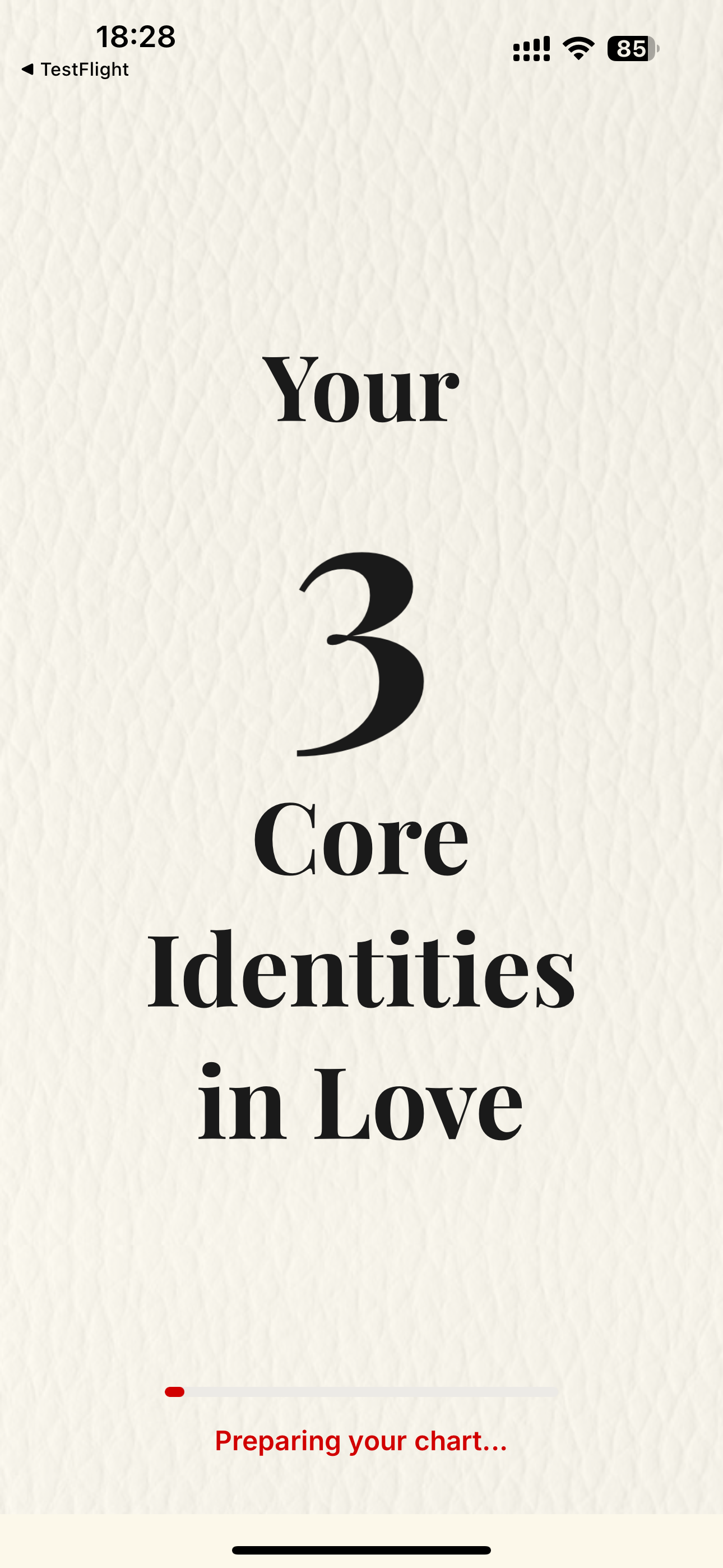
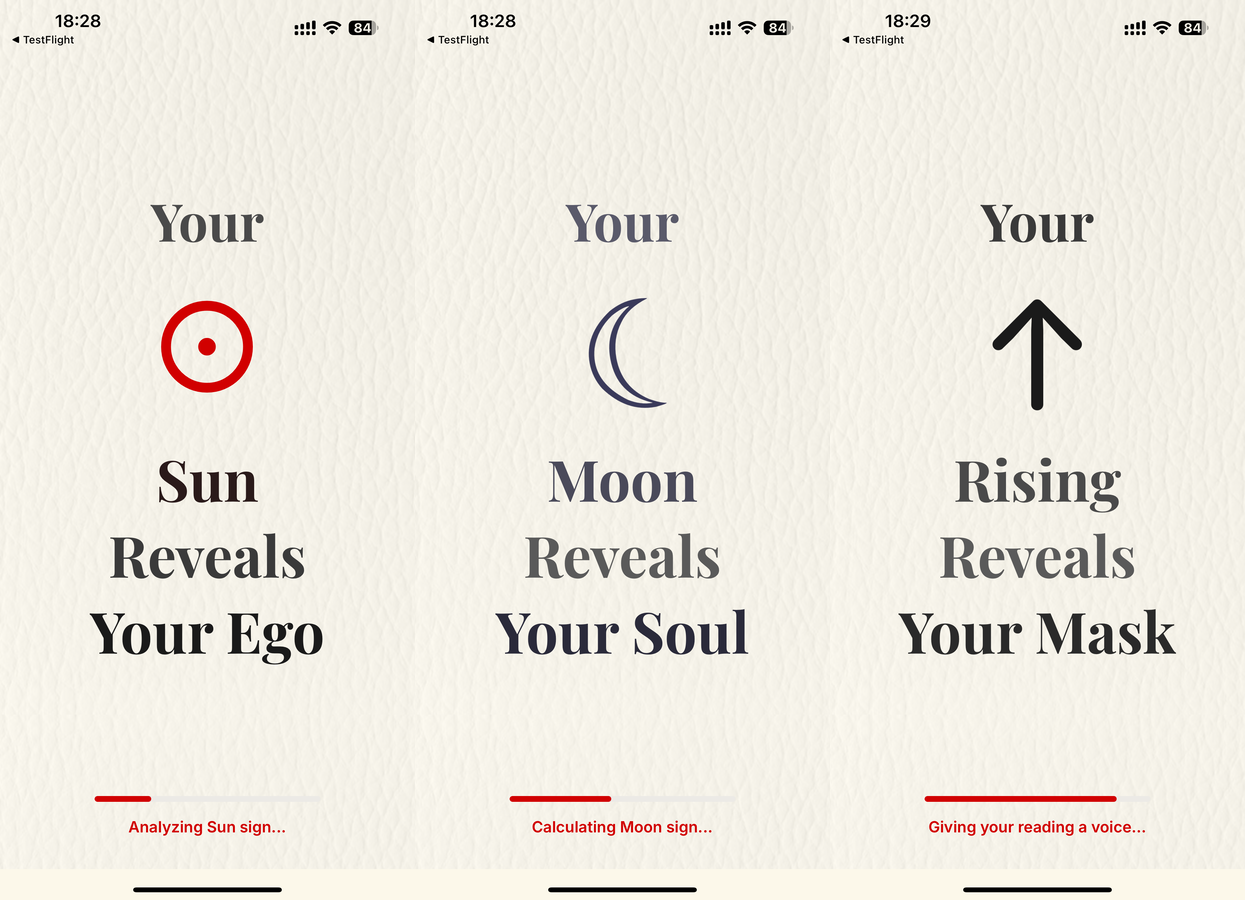
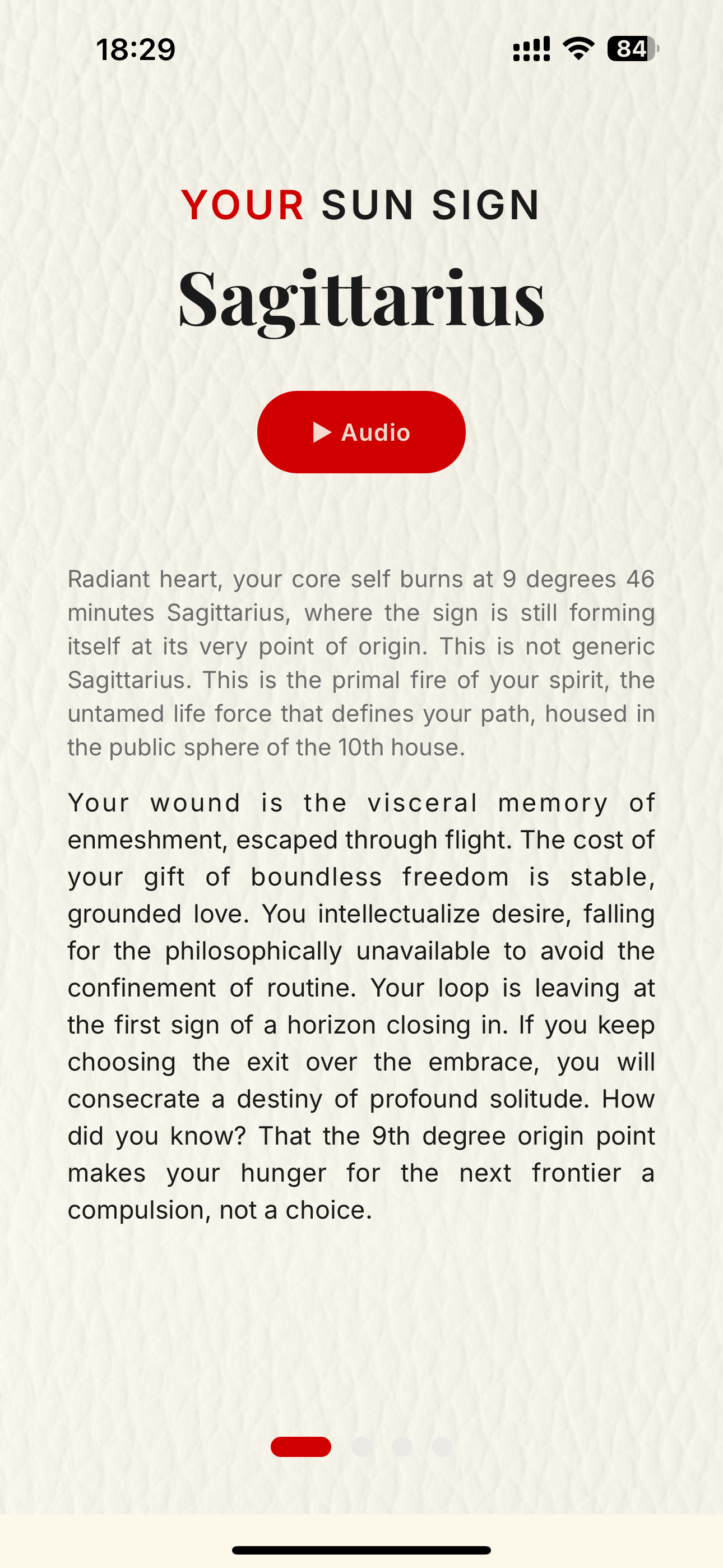
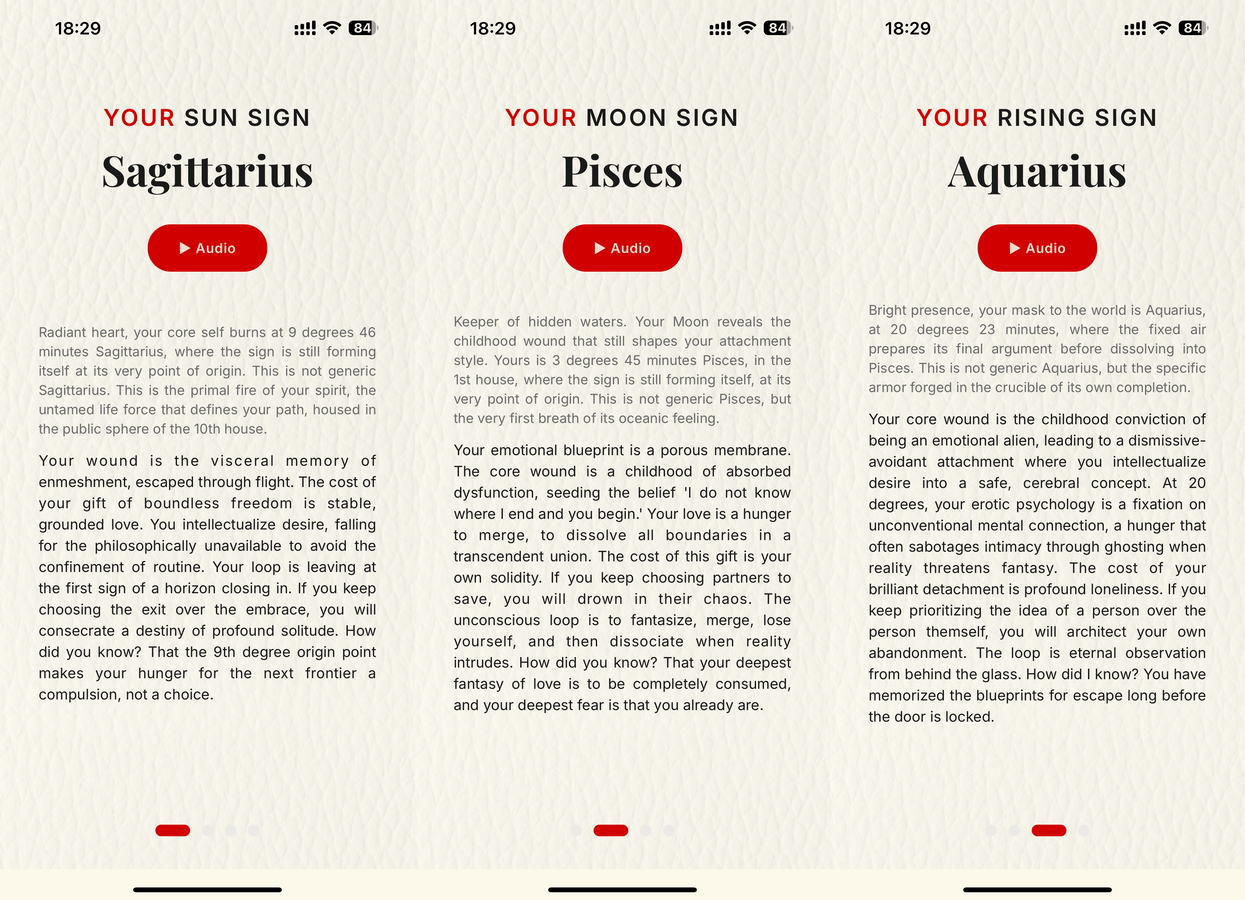
The app starts by generating the user's three core identities in love, then turns those into readable and narrated personality interpretations.
- The chart begins with Sun, Moon, and Rising.
- Each one becomes its own reading with its own audio playback.
- This same structure becomes the foundation for later compatibility work.
3
Deep matching, rare reveal, and consent-based chat
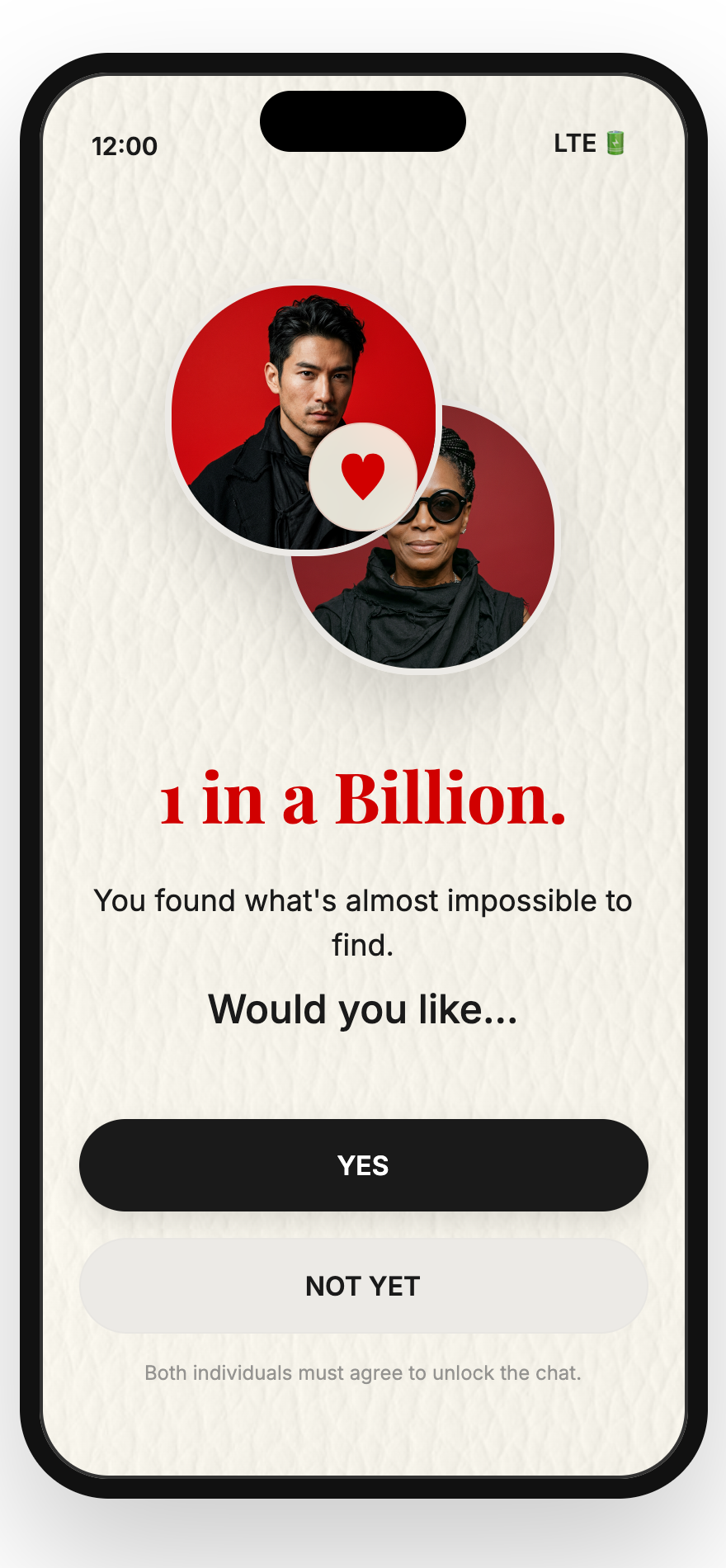
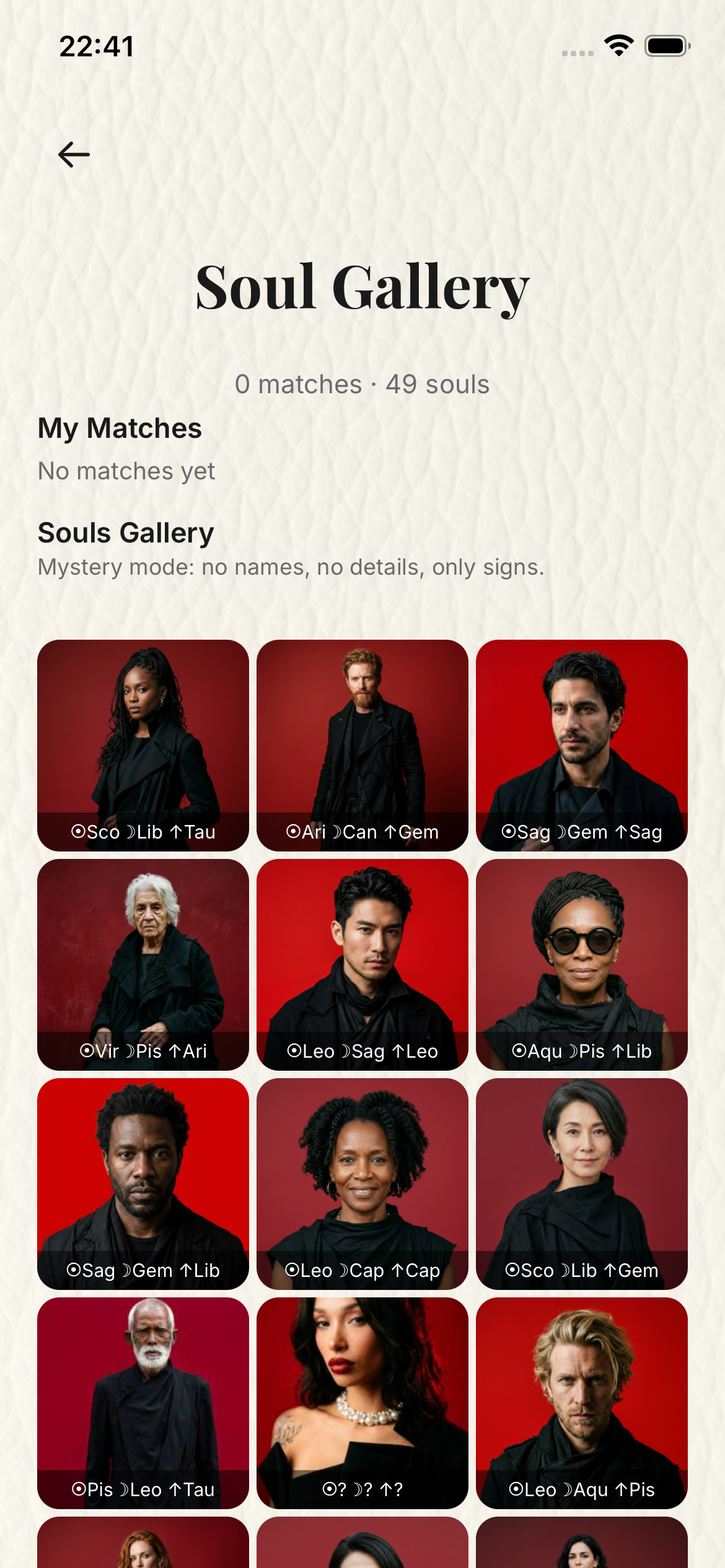
This is the matching chapter. 1 in a Billion is not a swipe app: after the user gives birth data, the engine can compare real people through full Vedic Ashtakoota scoring, relational overlays, and additional systems instead of ordinary dating-app ranking. When a one in a billion resonance appears, the reveal asks both people to opt in before chat opens.
- No swiping, behavioral telemetry, or profile-shopping is used to rank people.
- The matching layer is built around birth-chart structure and rare multi-system convergence.
- The Soul Gallery can stay anonymous while the engine calculates in the background.
- Chat is unlocked only after a rare match is found and both people agree to explore it.
4
Subscription, Secret Life, and Soul Laboratory
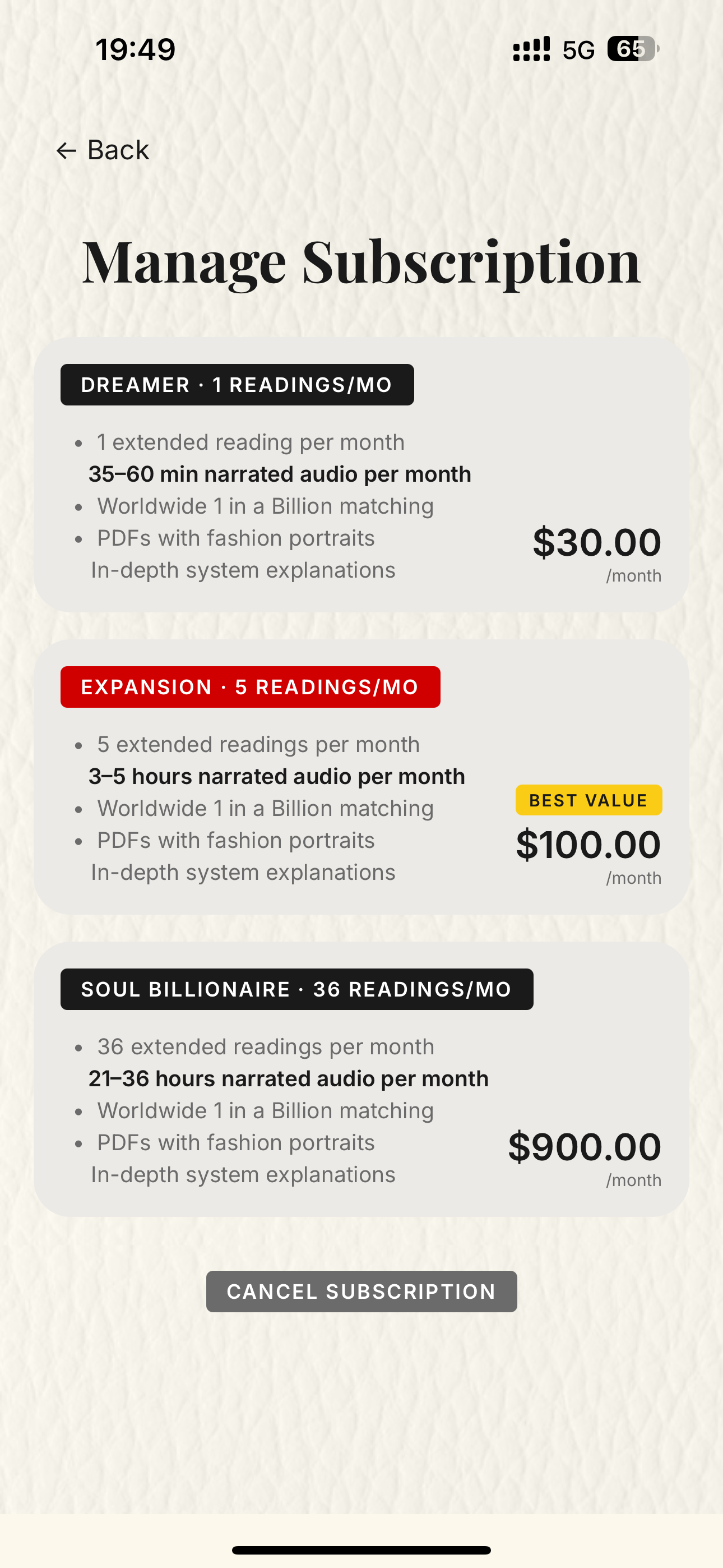
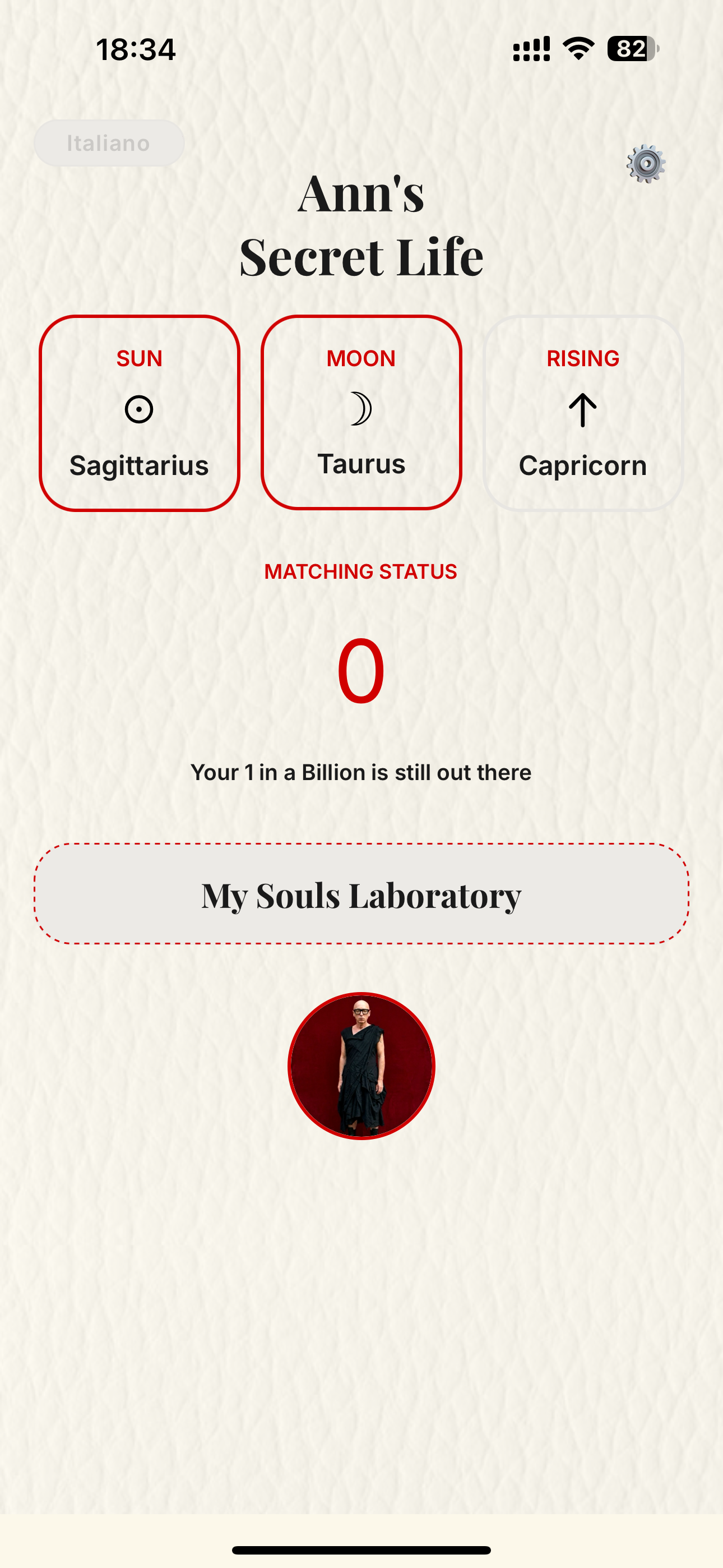
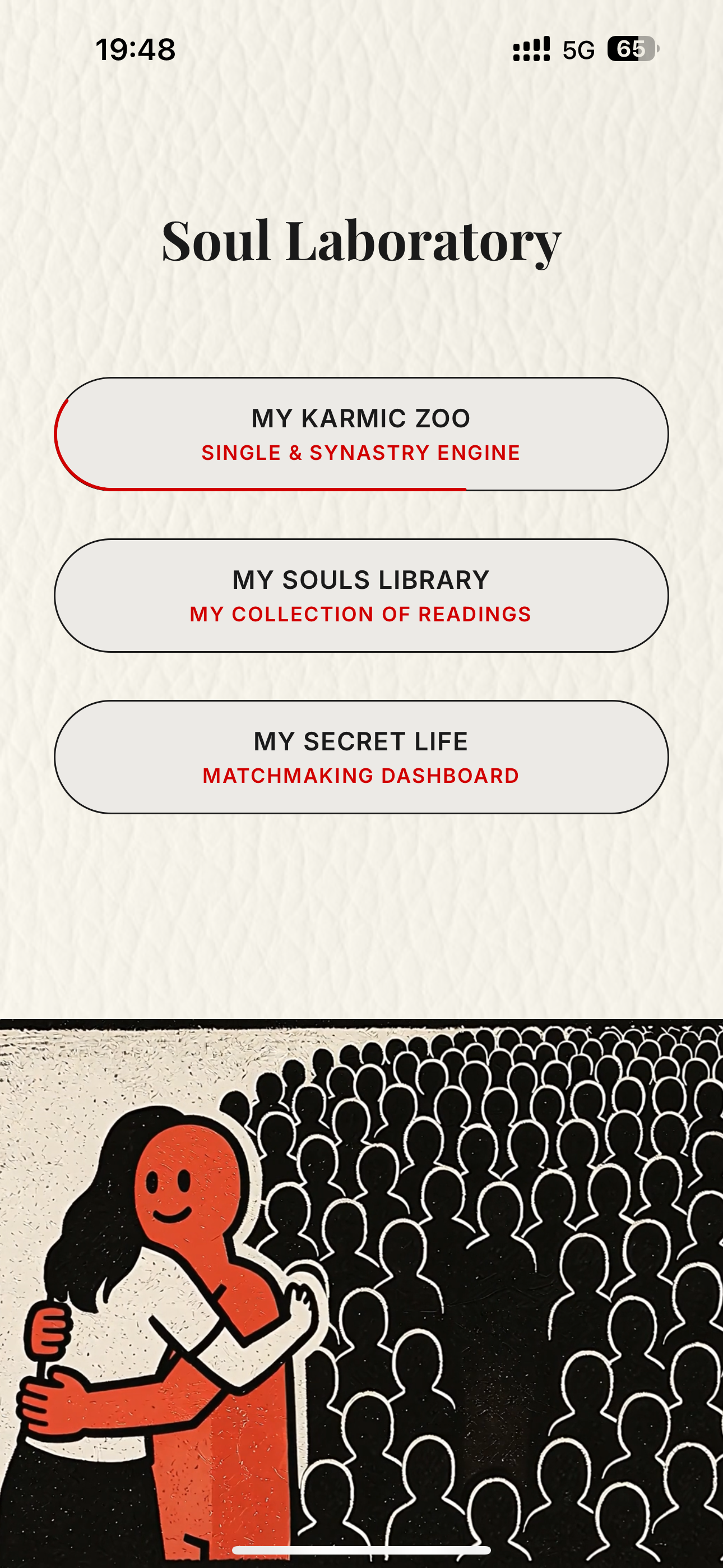
This is where the real app flow continues after the early profile and reading setup. The user sees clear access tiers, lands back in their personal Secret Life dashboard, then enters the Soul Laboratory hub for people, readings, and matching actions.
- Subscription tiers explain reading volume, narration, matching, and PDF access.
- My Secret Life shows the user's signs and matching status.
- Soul Laboratory is the doorway into the user's people, library, and dashboard areas.
5
Karmic Zoo, system choice, context, and narrator
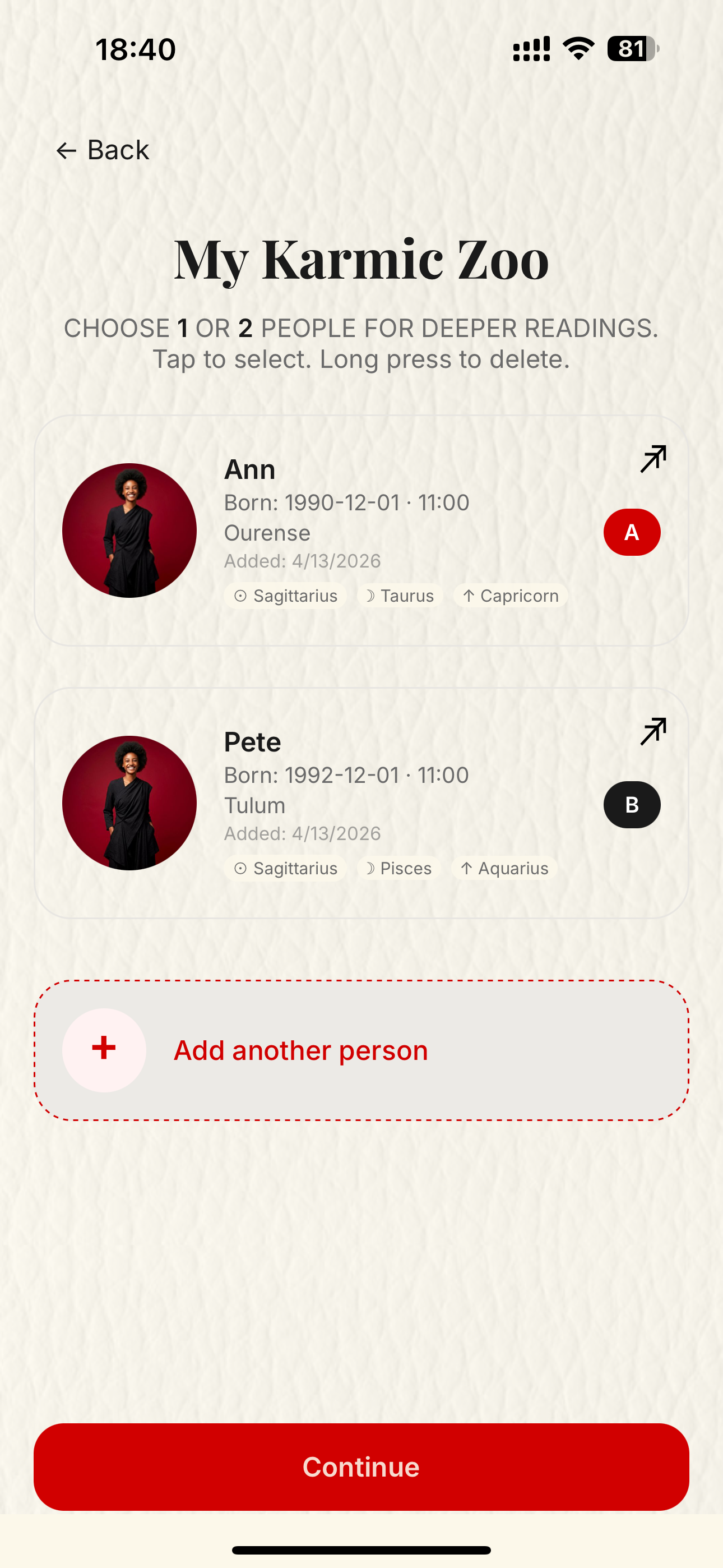
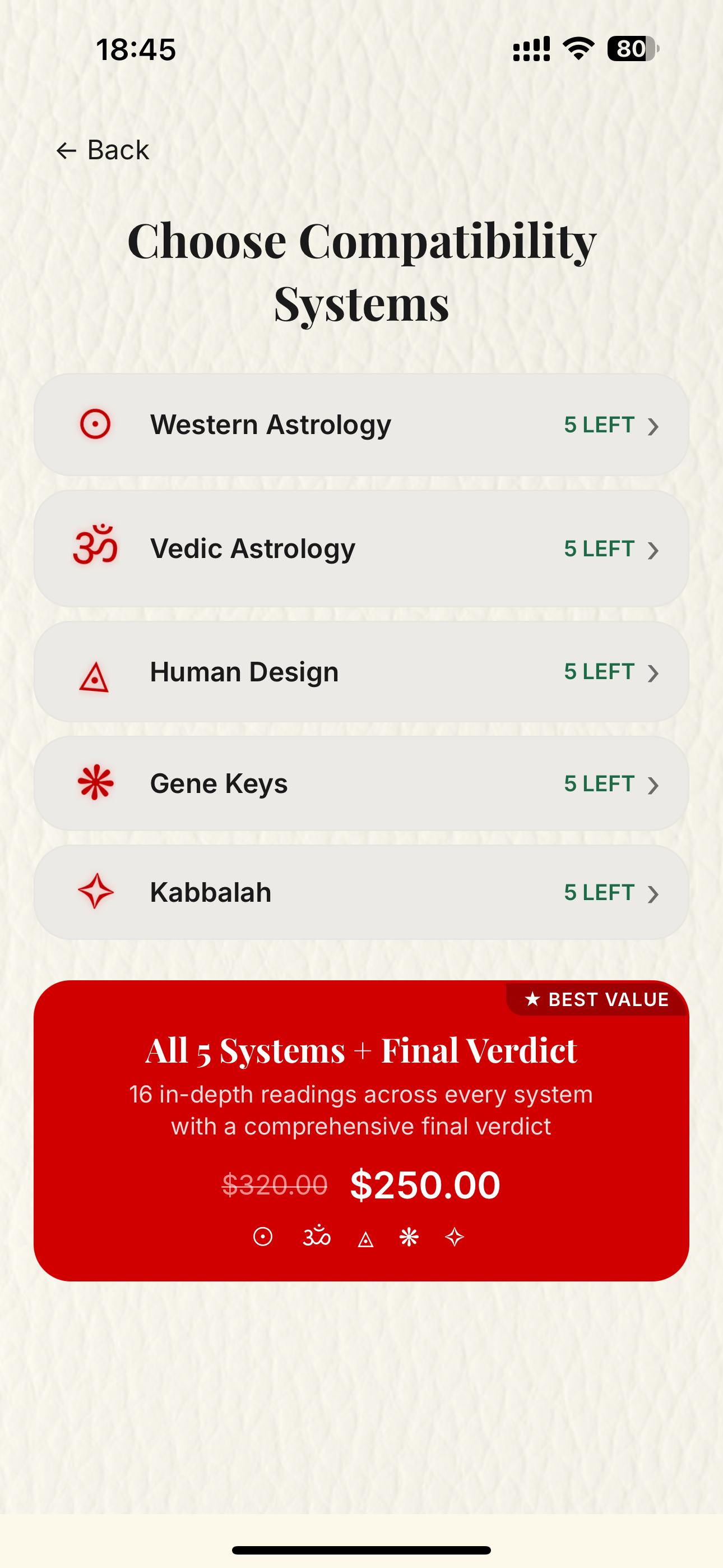
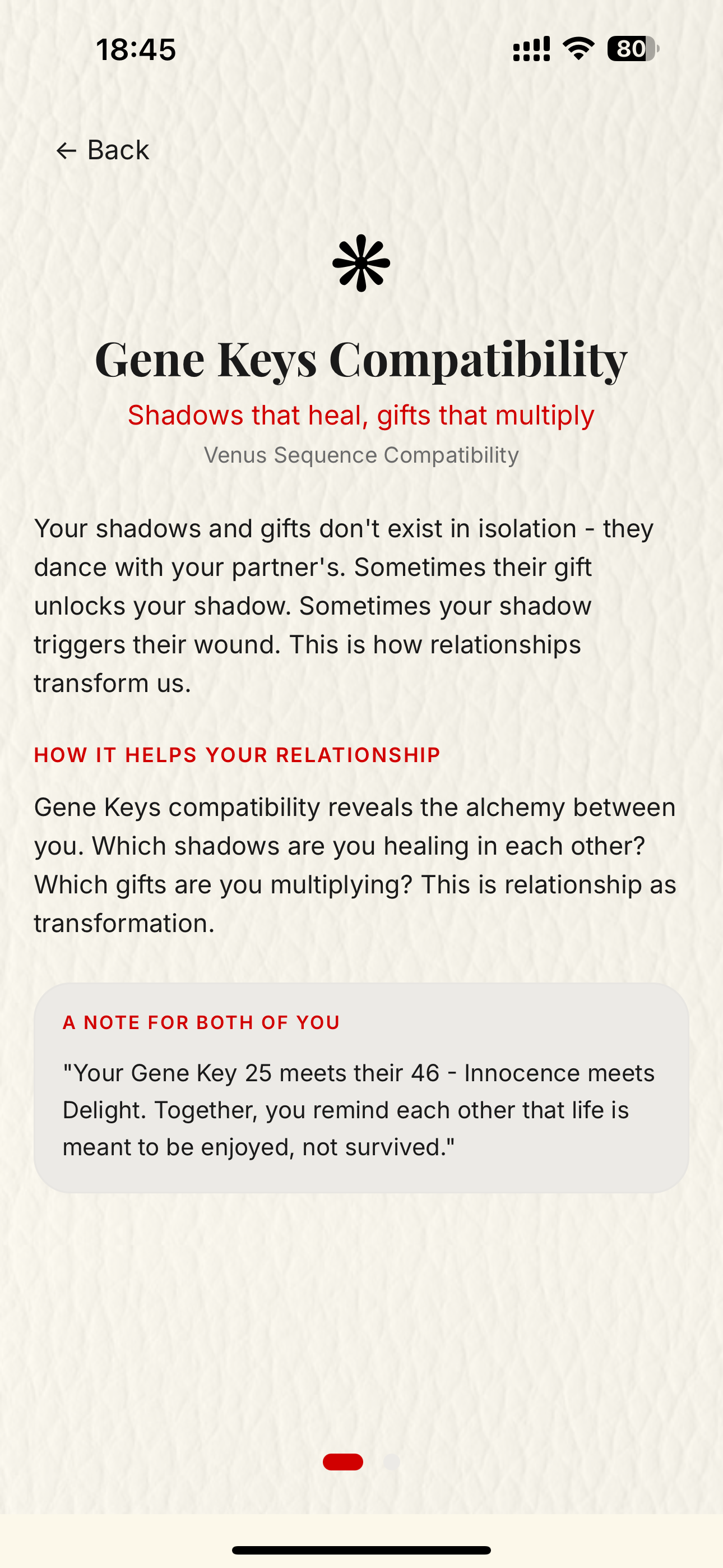
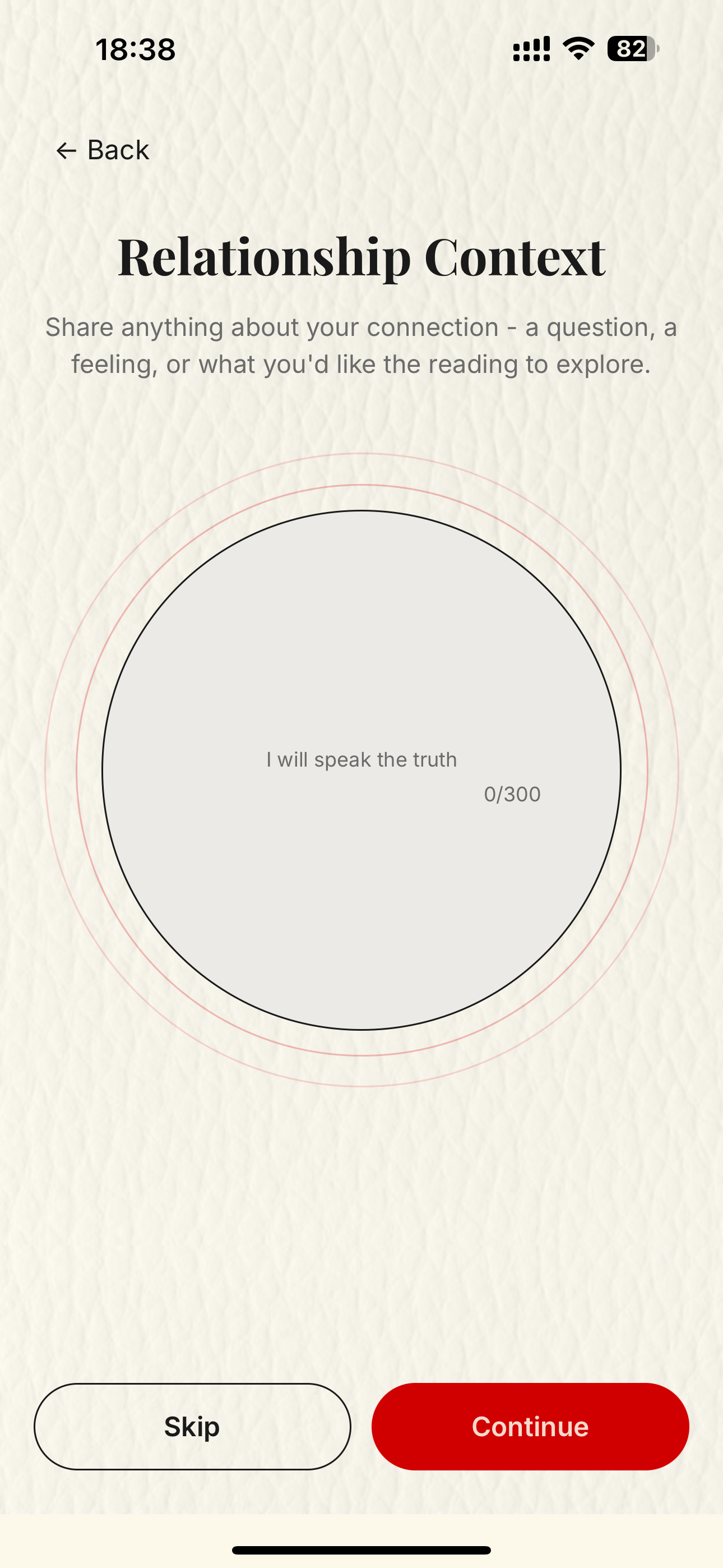
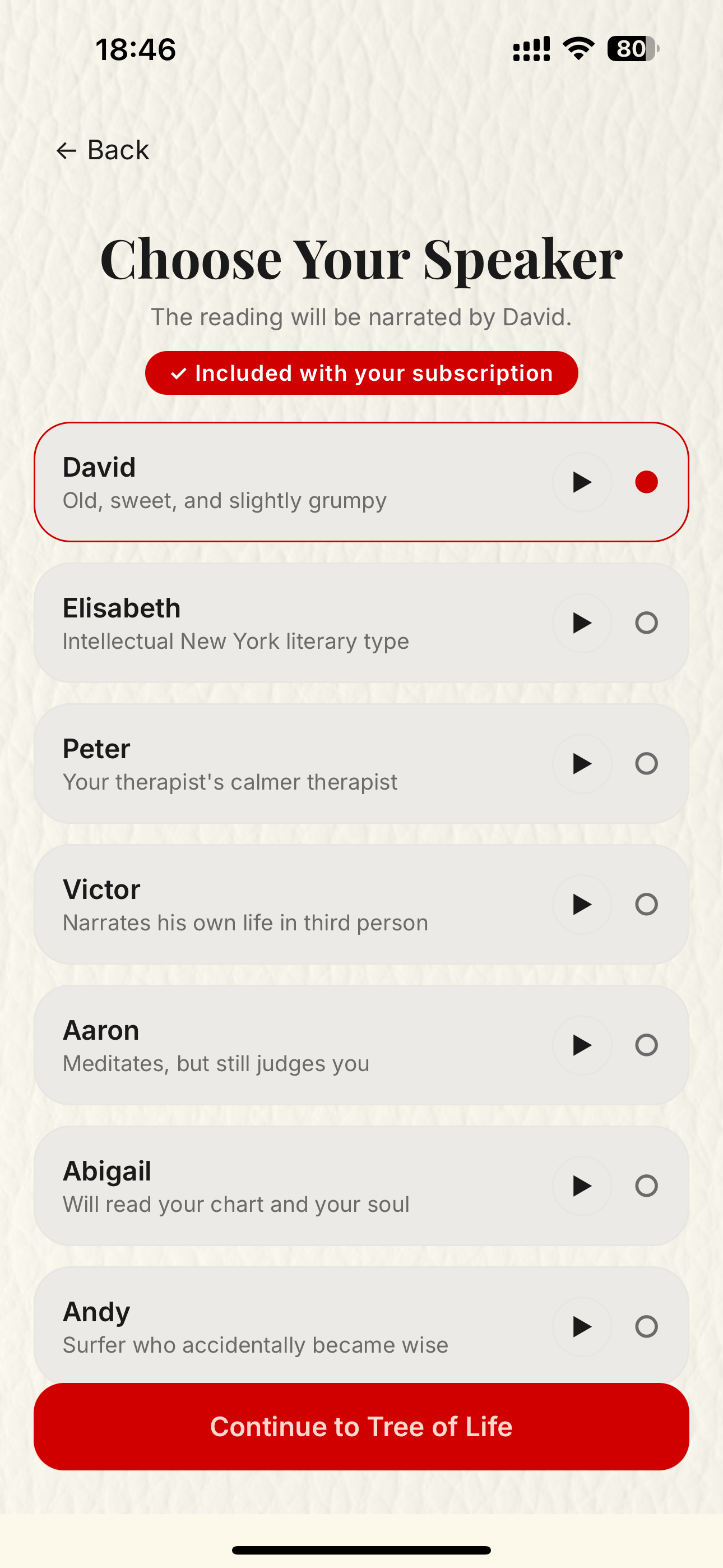
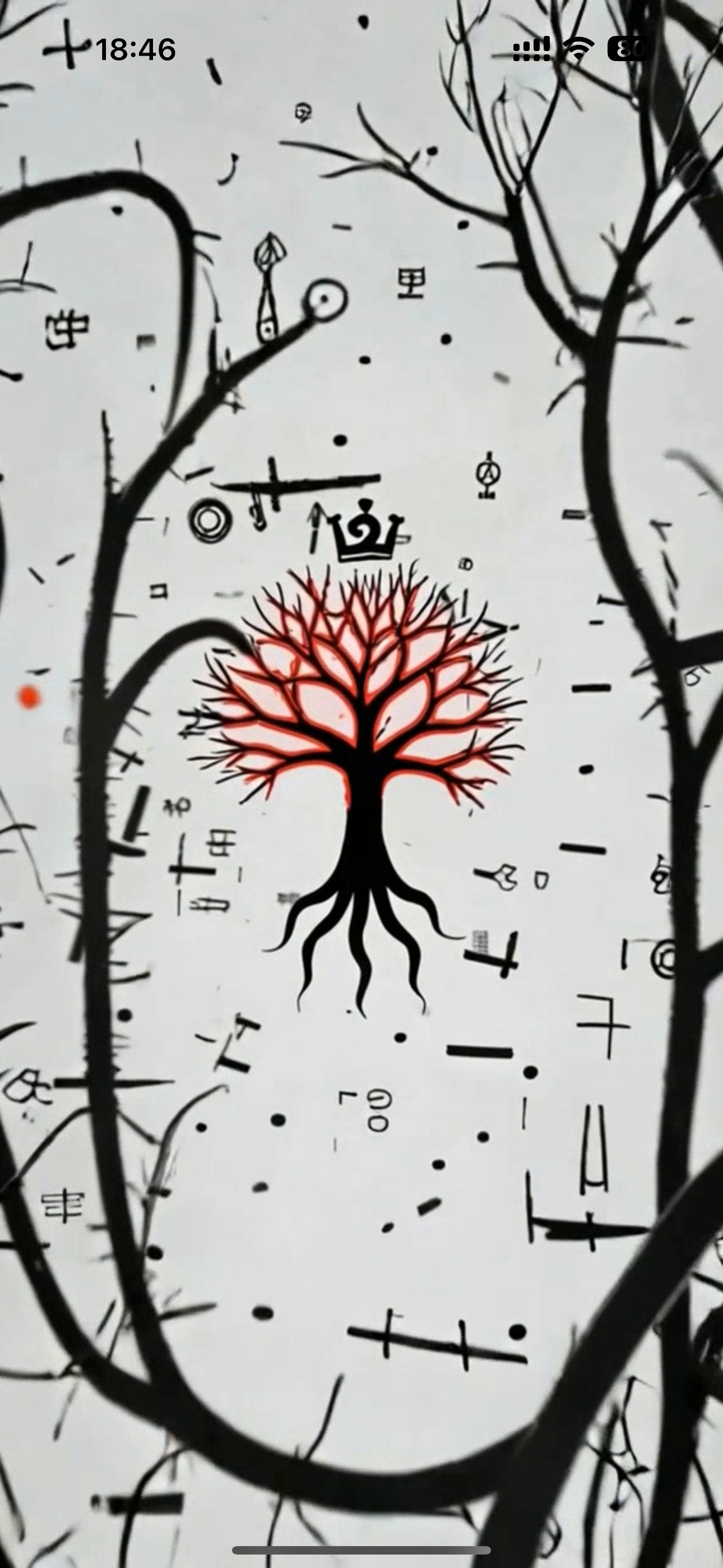
From the Soul Laboratory, the user enters My Karmic Zoo, selects one or two people, chooses the compatibility system, adds optional relationship context, and picks the narrator before the Kabbalah Tree of Life transition carries them into generation.
- People can be selected one by one or as a pair for future readings.
- Five compatibility systems can be purchased separately or bundled.
- The Tree of Life screen comes after the user has provided the needed information.
6
Generation, library, and publish controls
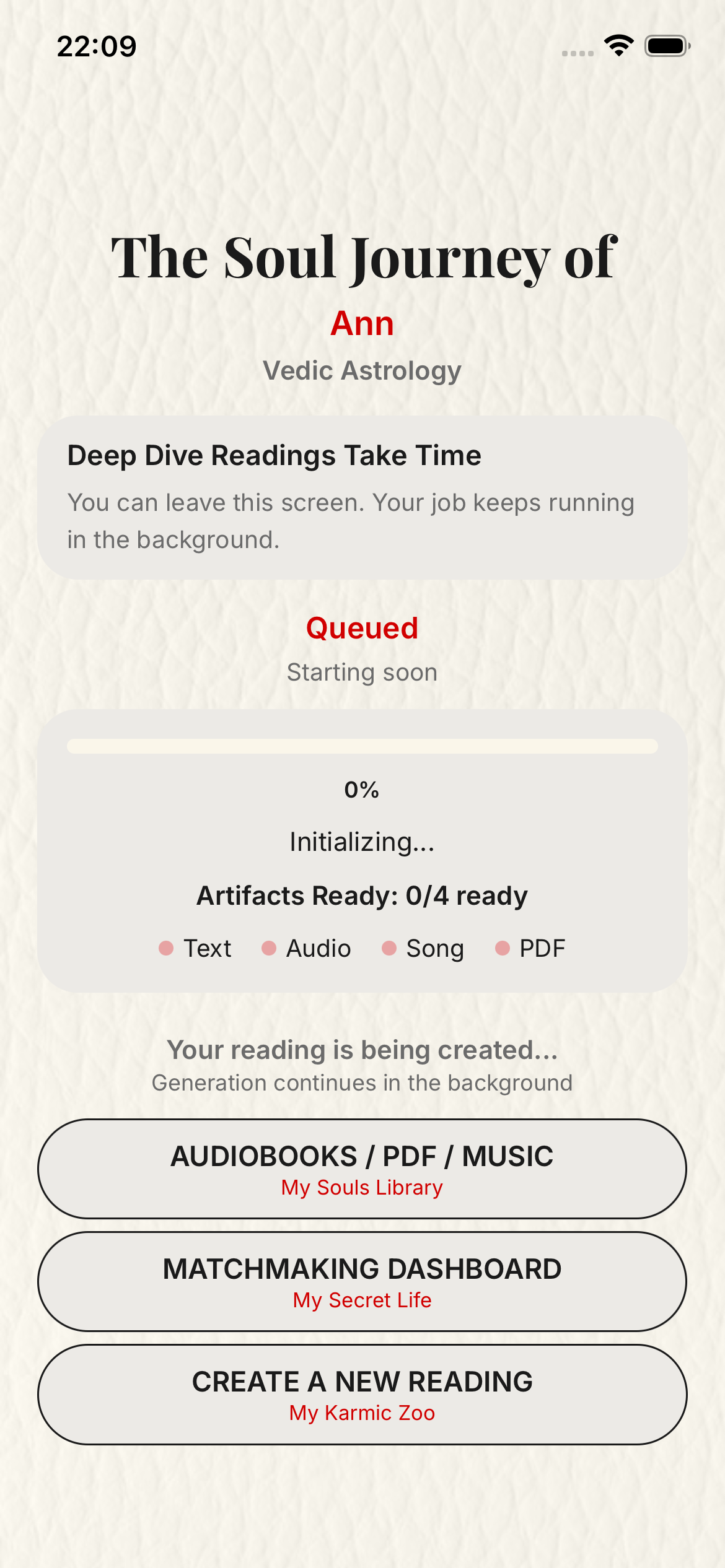
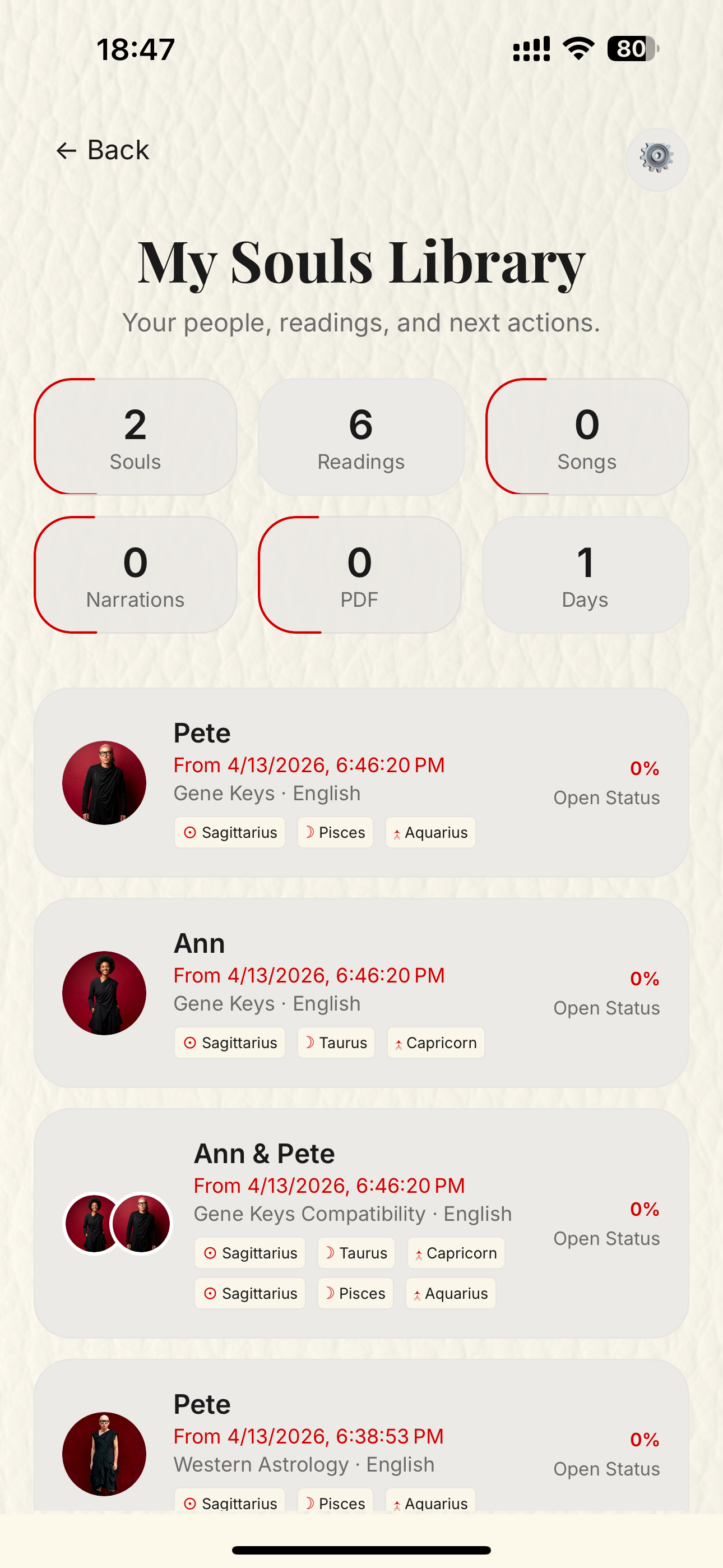
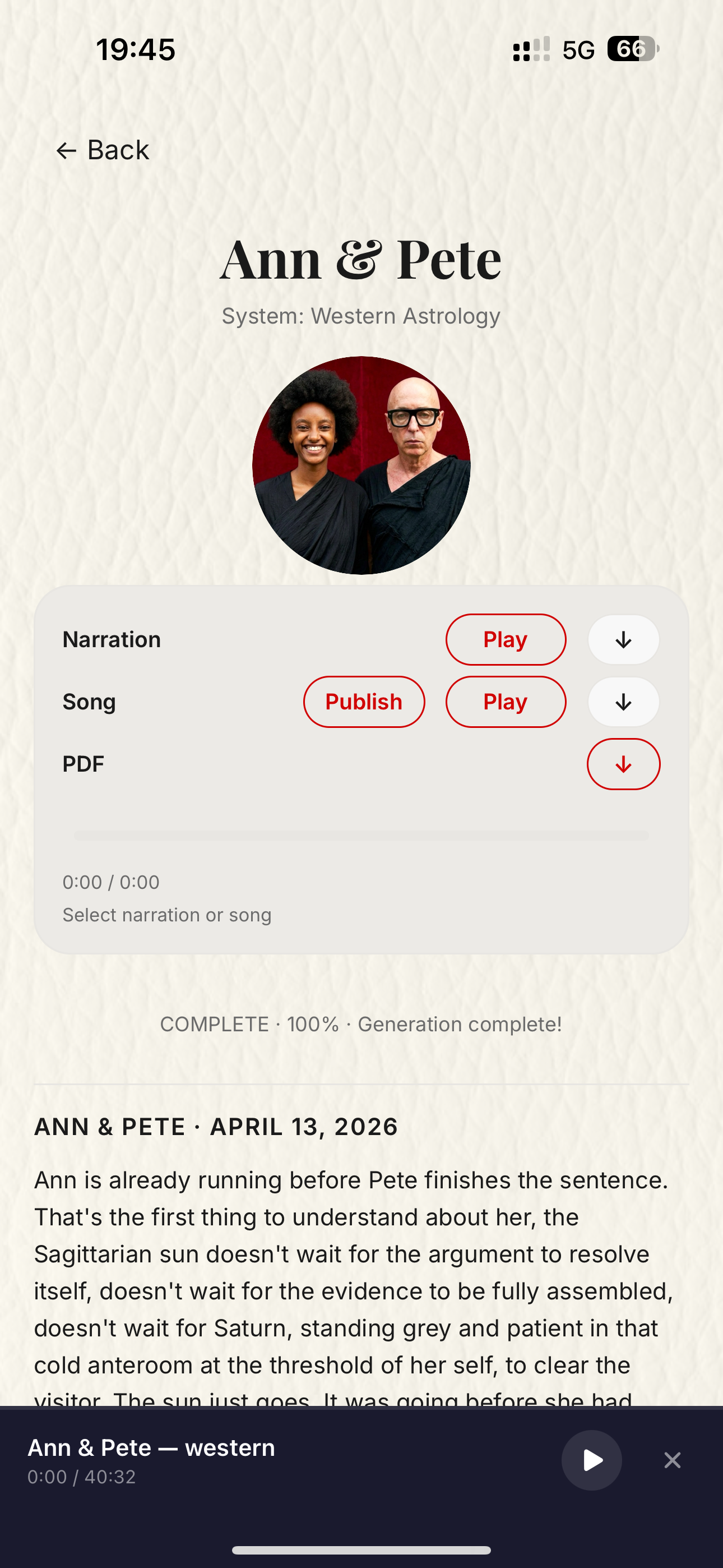
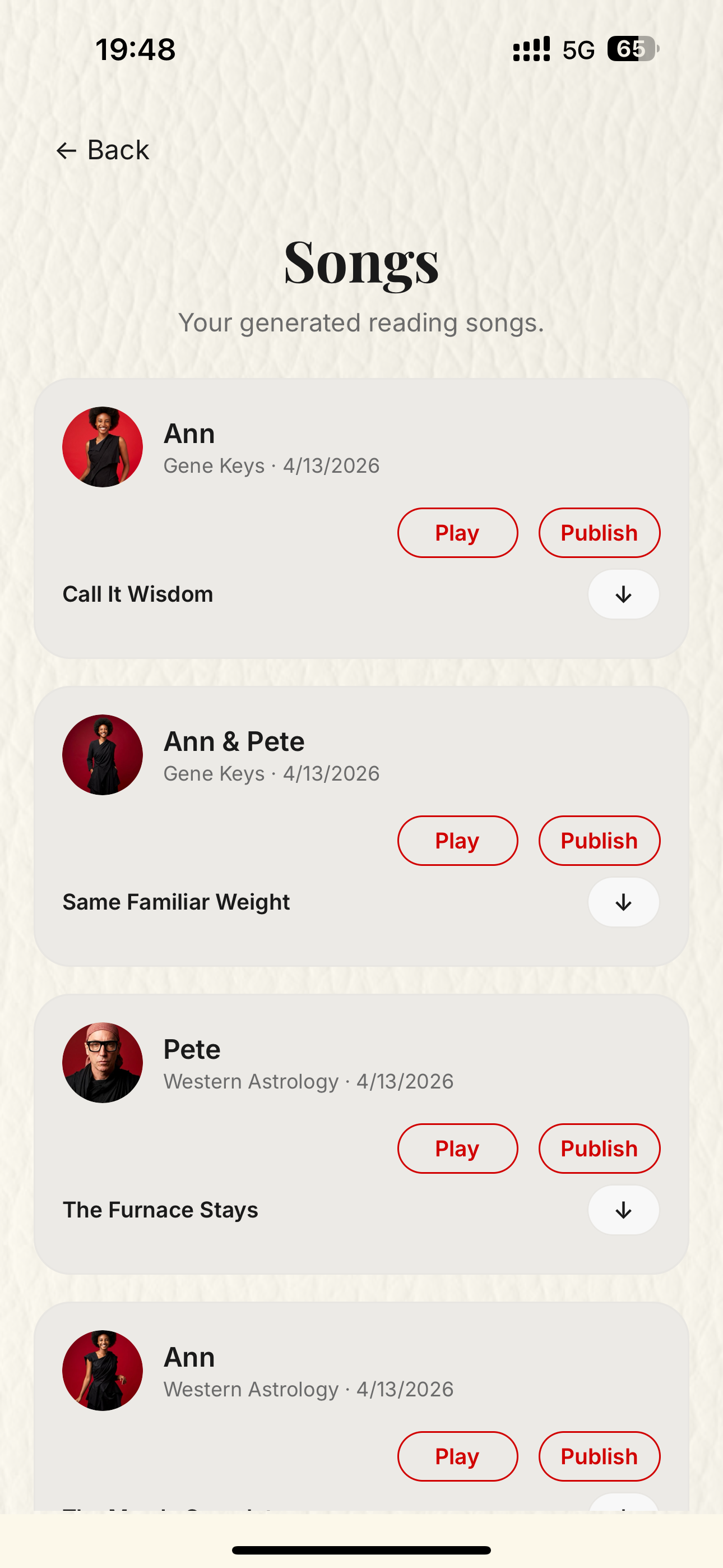
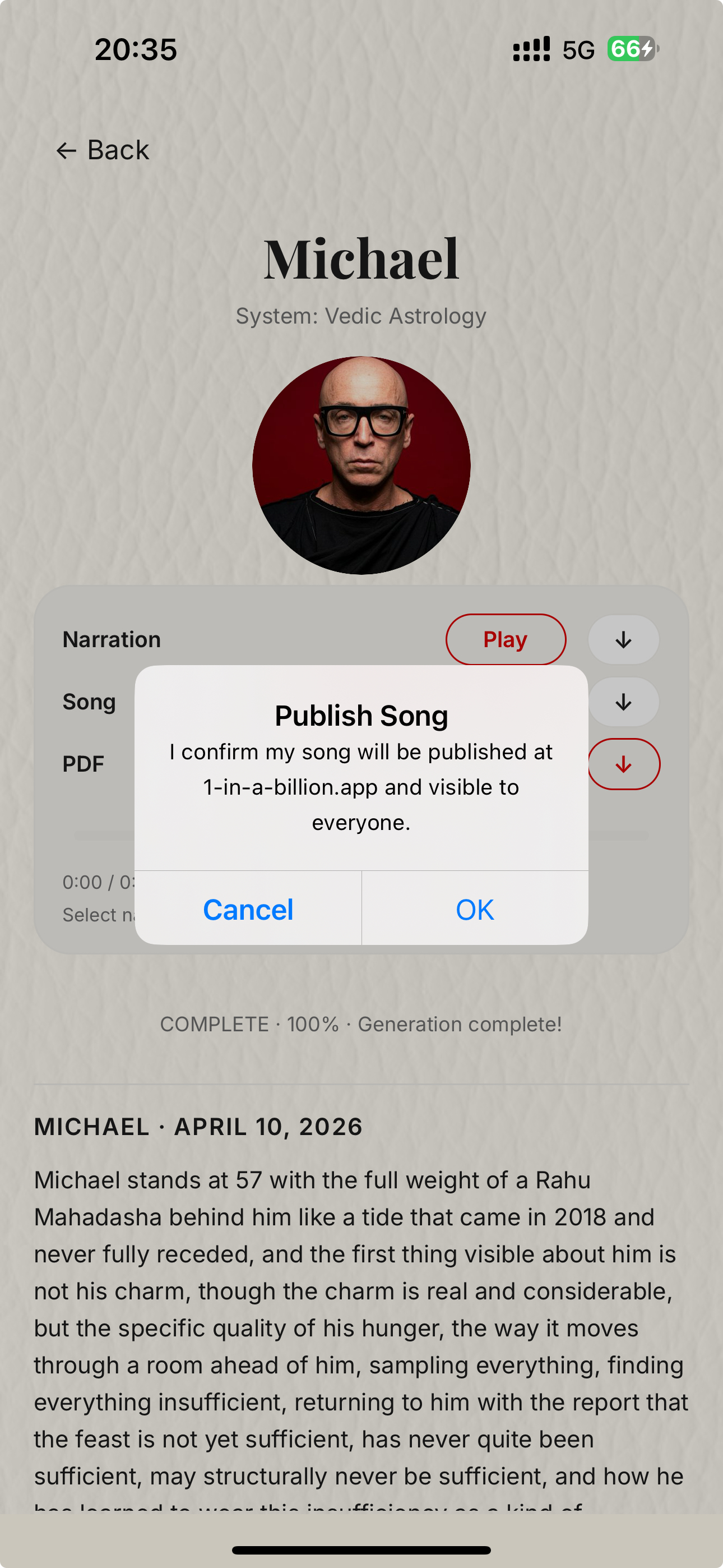
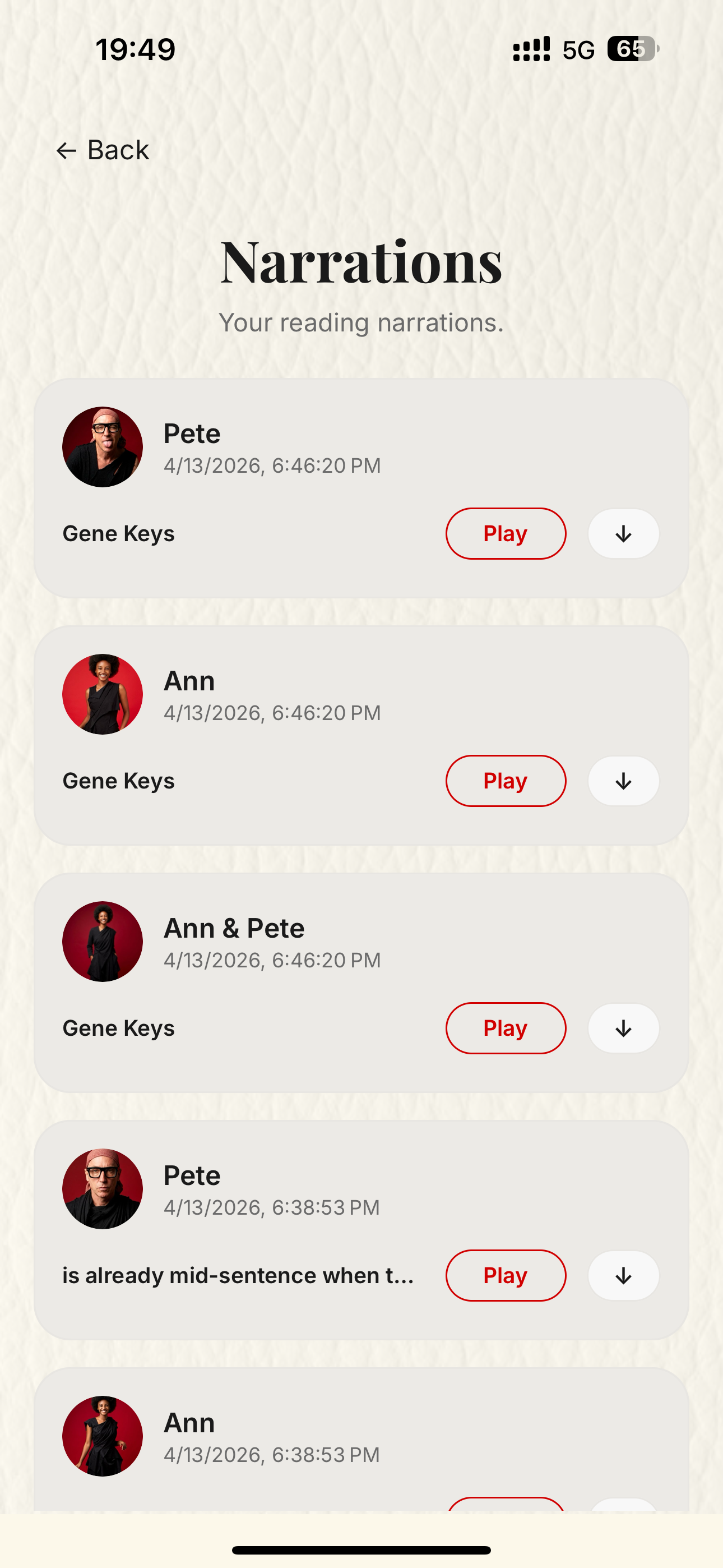
After the Tree of Life transition, the app moves into the generation state. The user can later return through My Souls Library, open the completed reading, play songs and narrations, or explicitly publish a generated song.
- The generation screen explains that deep readings continue in the background.
- My Souls Library collects the reading queue and completed jobs.
- Publishing a song is a separate user action, not an automatic post.
7
Real generated artifacts for review
This final section uses real completed production artifacts pulled from the same storage the app writes to. PDFs open from thumbnails, while narration and song outputs are embedded inline for direct review.
The examples below show one single-person reading set, one full couple bundle, and one standalone compatibility verdict so Apple can inspect multiple output types without leaving this page.
PDF
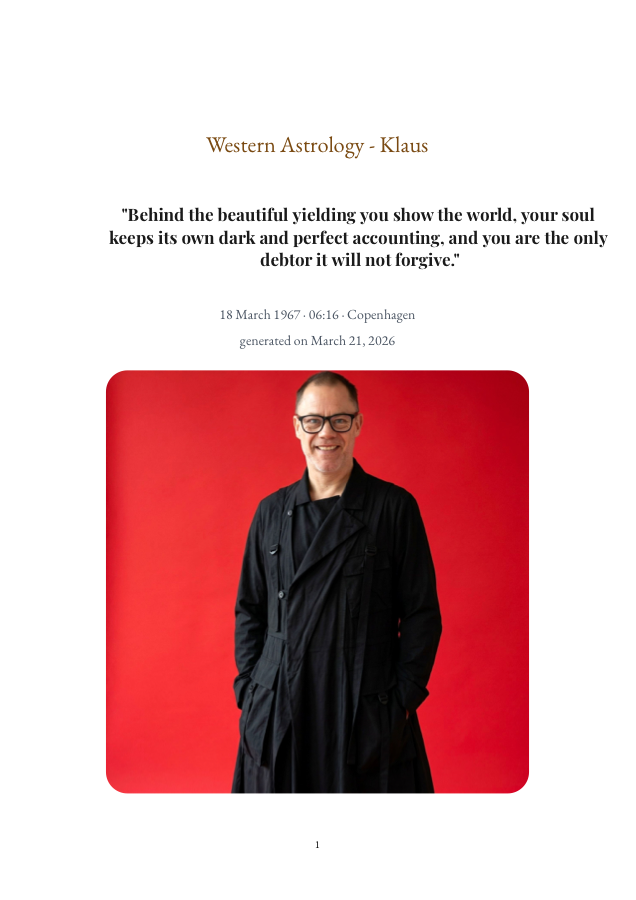
Klaus western reading
A complete single-person report shown as a true PDF thumbnail that opens the real generated document.
Open PDF
Narration
Klaus western narration
This player streams the real narration artifact directly from production storage.
PDF
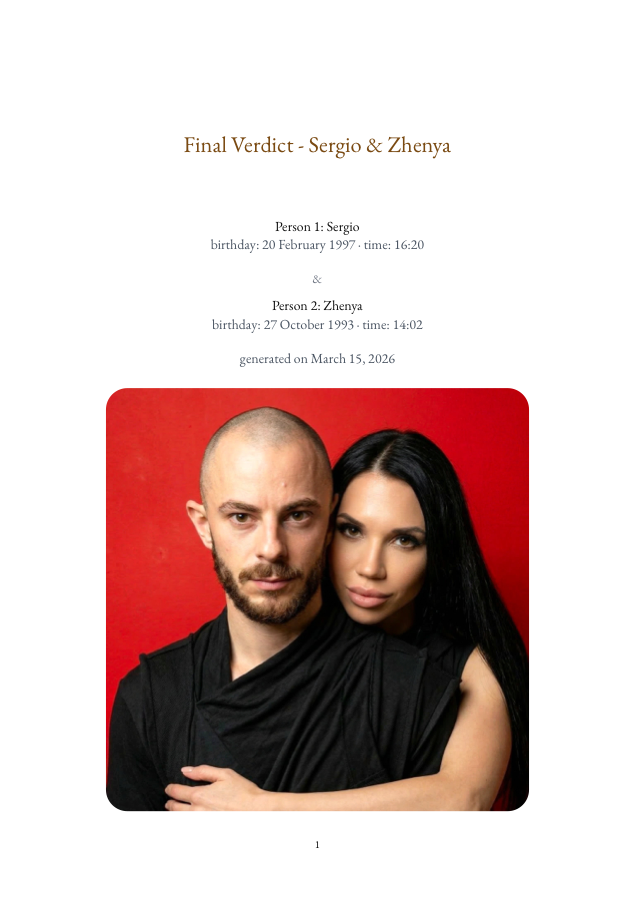
Sergio and Zhenya final verdict
A real bundle verdict showing the final relationship layer after the individual and overlay systems are complete.
Open PDF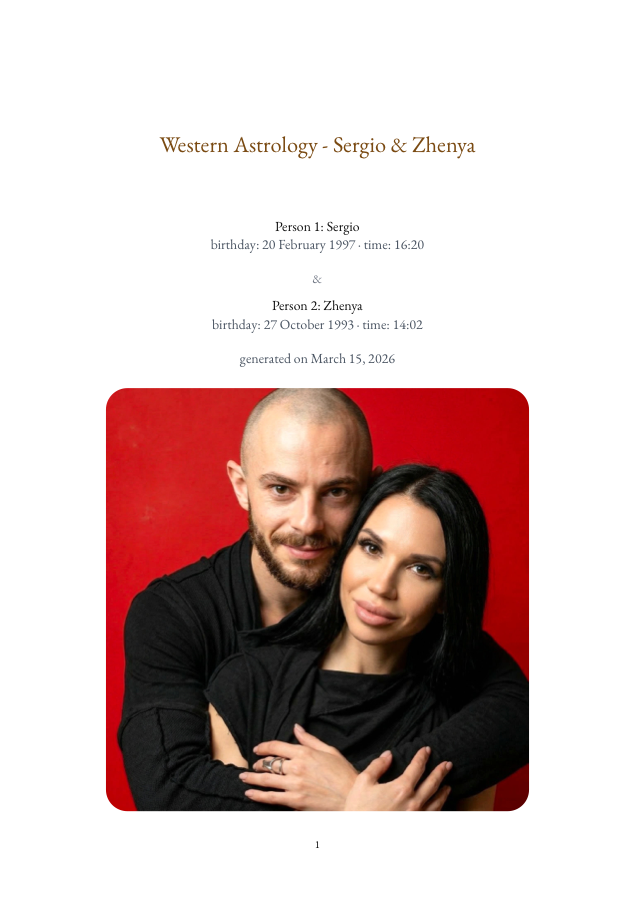
PDF
Sergio and Zhenya western overlay
A second couple PDF so the reviewer can compare a system-specific overlay with the final verdict output.
Open PDF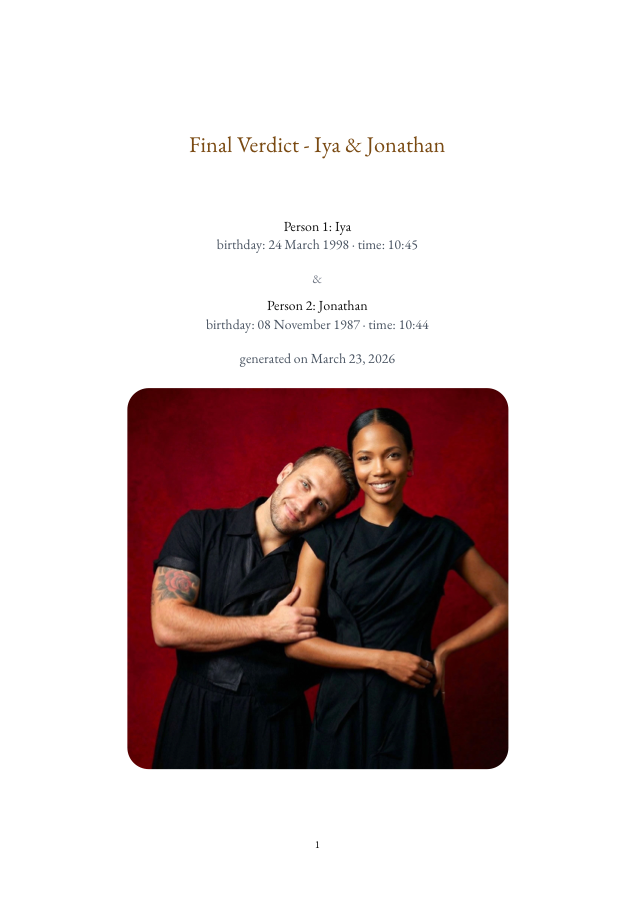
PDF
Iya and Jonathan standalone verdict
A real compatibility verdict exported as its own dedicated reviewer-friendly report.
Open PDF
Narration
Iya and Jonathan verdict narration
A second narration example so Apple can hear a compatibility verdict without opening a separate media page.
Song
Klaus western song
A single-person generated song example surfaced inline so Apple can verify the music output directly on this page.
Song
Sergio and Zhenya verdict song
A couple-level generated song example so the reviewer can hear the music output for a full compatibility result.